

Daya Borders virtual dollar cardPay online in dollars, from your phone.
Create a virtual dollar card in the Daya Borders app and pay for apps, subscriptions and online shopping in US dollars.
Free to create until 30 November


14 days left to create yours for free
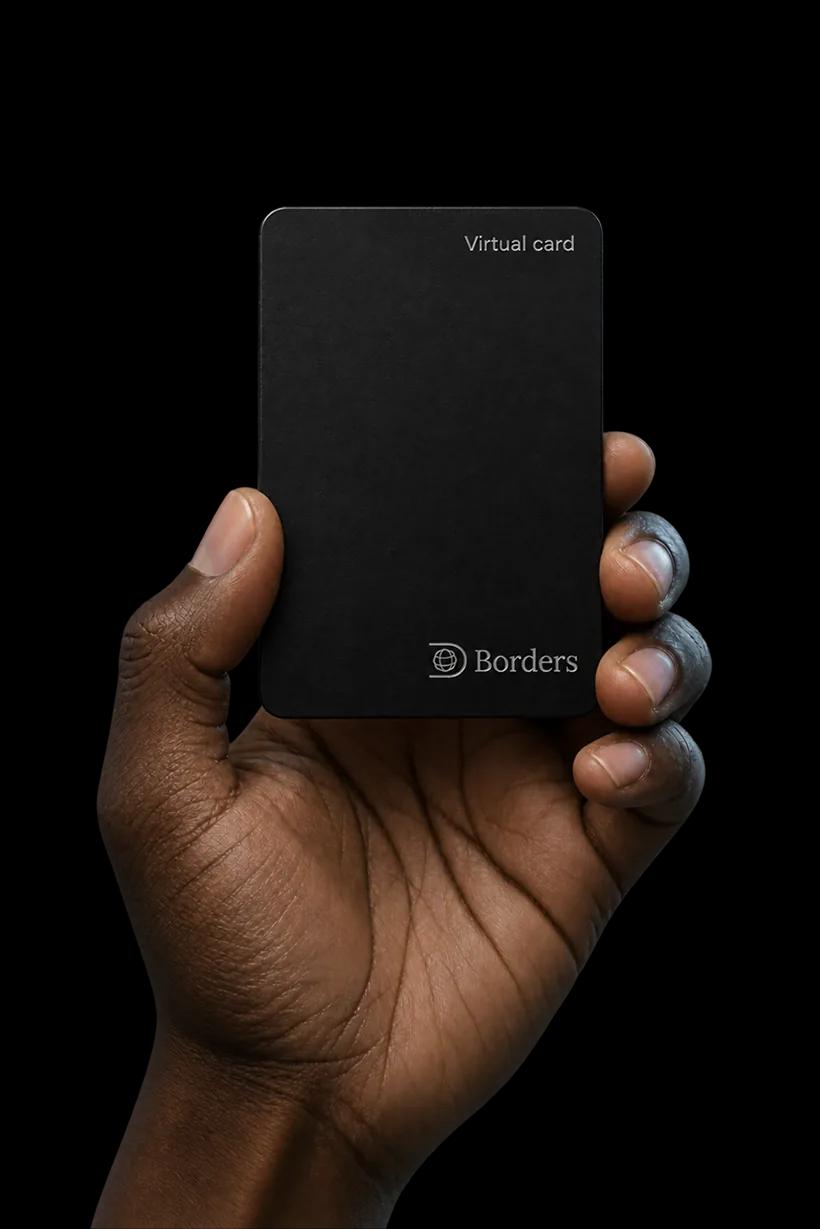
Other apps charge you just to create a card.
Before you've bought anything, most dollar card apps take a fee to create the card. On Daya Borders, it costs nothing until 30 November.
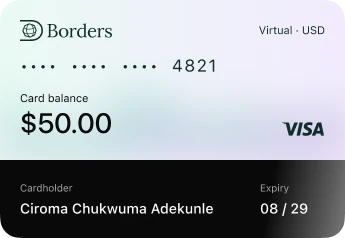

| App | To create a card |
|---|---|
| Daya Borders | $0 until 30 Nov |
| Grey | $5 |
| Raenest | $3 |
| Cleva | $3 |
| Afriex | $5 |
| Chipper Cash | $5, plus $1 a month |
| Vban | $2 to $3 |
Card creation fees from each app's own website, checked 12 to 14 November 2026.
What you can use your virtual dollar card for
Apps and subscriptions
AI tools, design tools, music and streaming.
Courses
Online courses, certificates and learning apps.
Your business
Ad accounts, domains, hosting and the tools you work with.
Online shopping
Stores that take dollar cards and deliver to Nigeria or to a forwarding address.
Freelance platforms
Fees and extras on the platforms that pay you.
Some stores turn down cards from outside their own country.
What to check if a payment is declined →
Get your virtual dollar card in three steps.
 Step 1
Open your Daya Borders account.
Download the app, sign up and complete KYC.
 Step 2
Create your card.
Go to Card in the app and tap Create card.
 Step 3
Top up and pay.
Fund the card from your dollar balance, then use the card details to pay online.
Earn in naira? That works too.
You don't need a client abroad to use the card. Add naira to your Daya Borders account, convert it to dollars in the app, then top up your card. Already have dollars in Daya Borders? Top up straight from your balance.
- Step 1
Add naira
From your Nigerian bank account.
- Step 2
Convert to dollars
In the Daya Borders app.
- Step 3
Top up your card
Then pay online in dollars.
Black Friday deals you can get from Nigeria
We check international Black Friday deals every morning and list the ones people in Nigeria can actually get, with prices in dollars and naira.
See the deals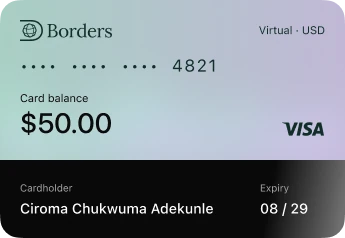
Virtual dollar card questions
Anyone with a verified Daya Borders account. You don't need to earn in dollars.
Download Daya Borders, sign up and complete KYC. Then go to Card in the app, tap Create card, and fund the card from your dollar balance.
On Daya Borders, there's no fee to create your card until 30 November.
Fund it from your Daya Borders dollar balance. If you have naira, add it to Daya Borders and convert it to dollars in the app first.
Online, wherever US dollar cards are accepted. Some stores turn down cards from outside their own country, so check before a big purchase.
Usually there wasn't enough on the card for the full total, the billing address didn't match, or the store doesn't take cards from outside its country. Our guide covers each one.
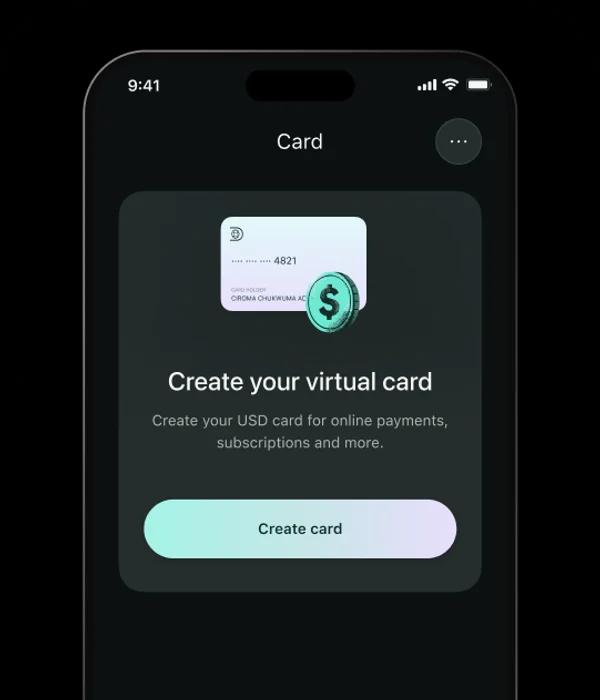
Get your virtual dollar card
Free to create until 30 November.