
 Business
Multi-currency account details
Account details in your business's name for dollars, pounds and euros, so international clients can pay you the way they pay everyone else.
Business
Get paid by international clients, convert at a better rate than your bank or your agent, and pay your suppliers the same day.



Whatever you use today, a bank, an app, or aboki fx, you are paying for it in 2 places. Once on the rate, once on the fee.
We run the exchange underneath our own products, so we can quote you closer to the real rate and charge you less on top of it.
Account details in your business's name for dollars, pounds and euros, so international clients can pay you the way they pay everyone else.
Move between dollars and naira at a market rate that comes off our own exchange, not one we bought from somebody else.
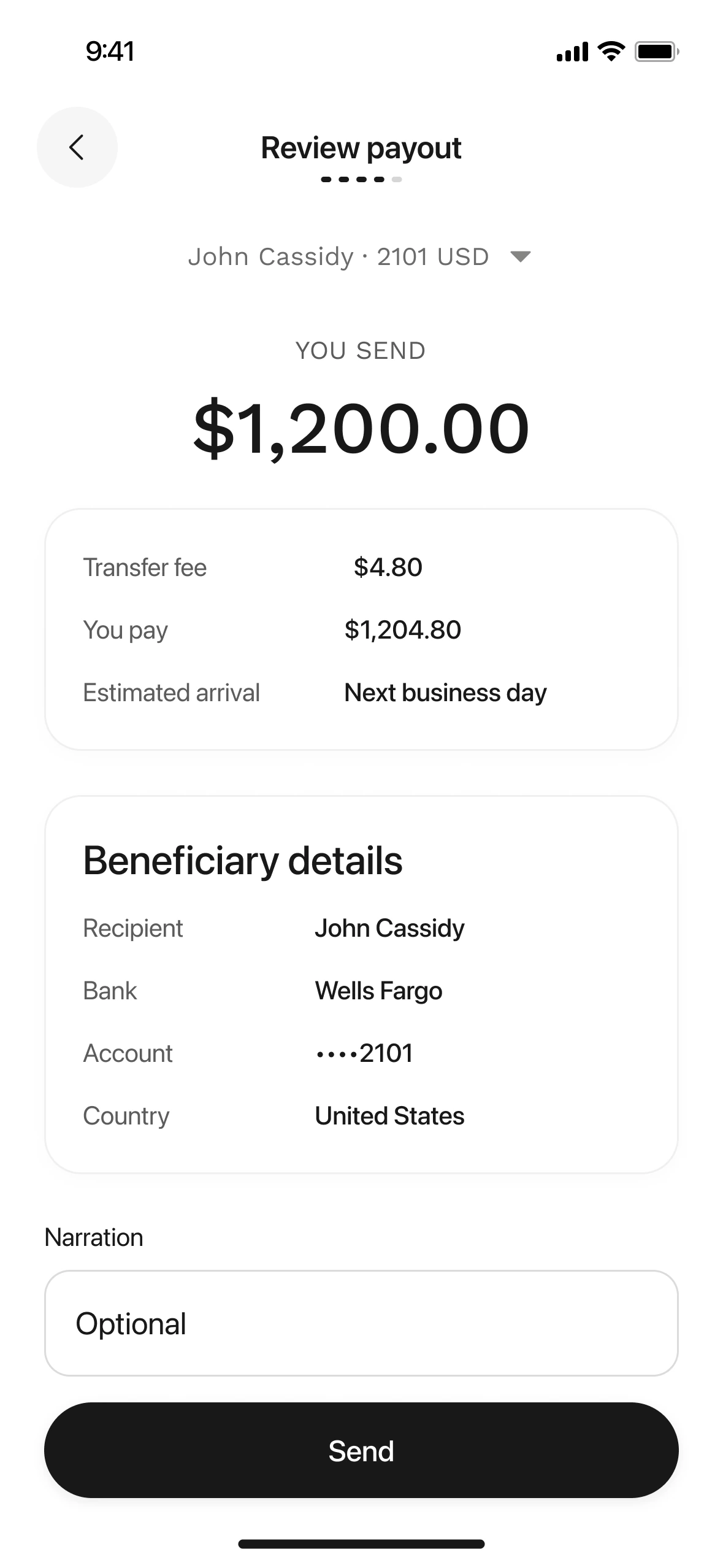
Bank transfer, wire, ACH, or USDT/USDC. Save a beneficiary once and pay them again without re-entering anything.
Dollars, pounds and euros in one account, so you are not converting until you need to.
Virtual dollar cards for your team, with spend limits and approvals.
restocking from overseas suppliers
collecting revenue from clients abroad
paying international fees, licences and subscriptions
paying global vendors, contractors and software bills.
Download the app and sign up with your email.
BVN/NIN and your ID, plus your CAC documents and director details.
Naira from your Nigerian bank, or dollars into your account details.
Add your supplier or contractor and send by bank transfer, wire, ACH or on-chain.
Yes. Daya Business needs CAC registration and business verification. If you are a sole trader without a registered company, use Daya Borders.
Yes. Contact our sales team to get web access for your team.
Yes. You can send on-chain to a USDC or USDT wallet from the app.
Yes. The Daya API covers the same money movement programmatically.